Hello everyone,
I’m currently facing an issue after migrating our setup from Katalon Runtime Engine (KRE) 8 to KRE 10.
Previously, KRE 8 was working without any issues. However, after switching to KRE 10, we’re consistently running into license activation errors.
Details:
-
We are using a floating KRE license, which is confirmed to be active.
-
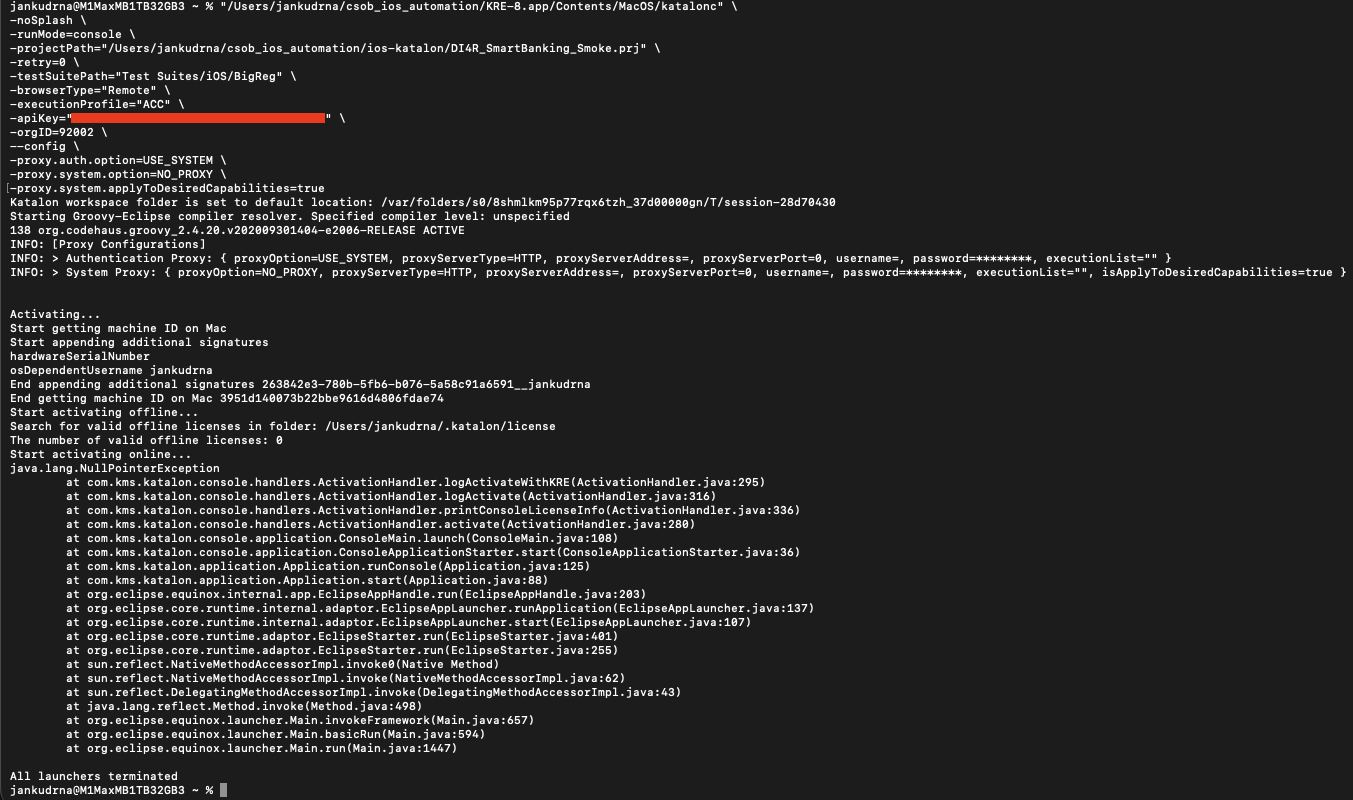
On KRE 8, the activation works fine (see attached screenshot).
-
On KRE 10, the activation fails with an error (see attached screenshot).
-
I have already:
-
Tested on both Windows machines (with strict corporate security, proxy, and whitelisting) and on macOS devices outside the company network, with no proxy or network restrictions. The issue persists on both.
-
Tried removing the --orgID parameter (which temporarily worked yesterday, but no longer does today).
-
Recreated multiple API keys and rerun the KRE command several times, with no success.
Question:
Has anyone experienced a similar issue with license activation?
Is there any known change in how floating licenses or organization IDs are handled between KRE 8 and KRE 10?
Any guidance or troubleshooting tips that could help me overcome this blocker would be greatly appreciated.
Thank you in advance for your time and help!
Best regards,
Jan Kudrna
As you might know we’ve introduced a new version of Katalon TestOps. Importantly, the major change is the hierarchical structure.
-
In TestOps Legacy, we manage one Account - one Organization - multiple projects. All licenses are allocated at the Organization level to be consumed.
-
In the new TestOps, it follows the tier of one Account - multiple Organizations (sub-organizations) - multiple projects. Licenses now can be consumed from Account level or Organizations level.
This change makes it easier to manage large teams, improve visibility, and align license usage with your organization’s structure.
Notes: By default, once your account get migrated from the Legacy version to the new TestOps, all licenses includes Katalon Studio Enterprise (KSE), Katalon Runtime Engine (KRE) & TestCloud (TC) will be placed at the Account level.
Unfortunately, it might cause the disruption on your configured command line which includes the -orgID flag earlier to activate the KRE licenses.
Solutions
Option 1: Activate the KRE license at the Account level.
Simply remove your -orgID flag from your command line will help you to consume your licenses from Account level.
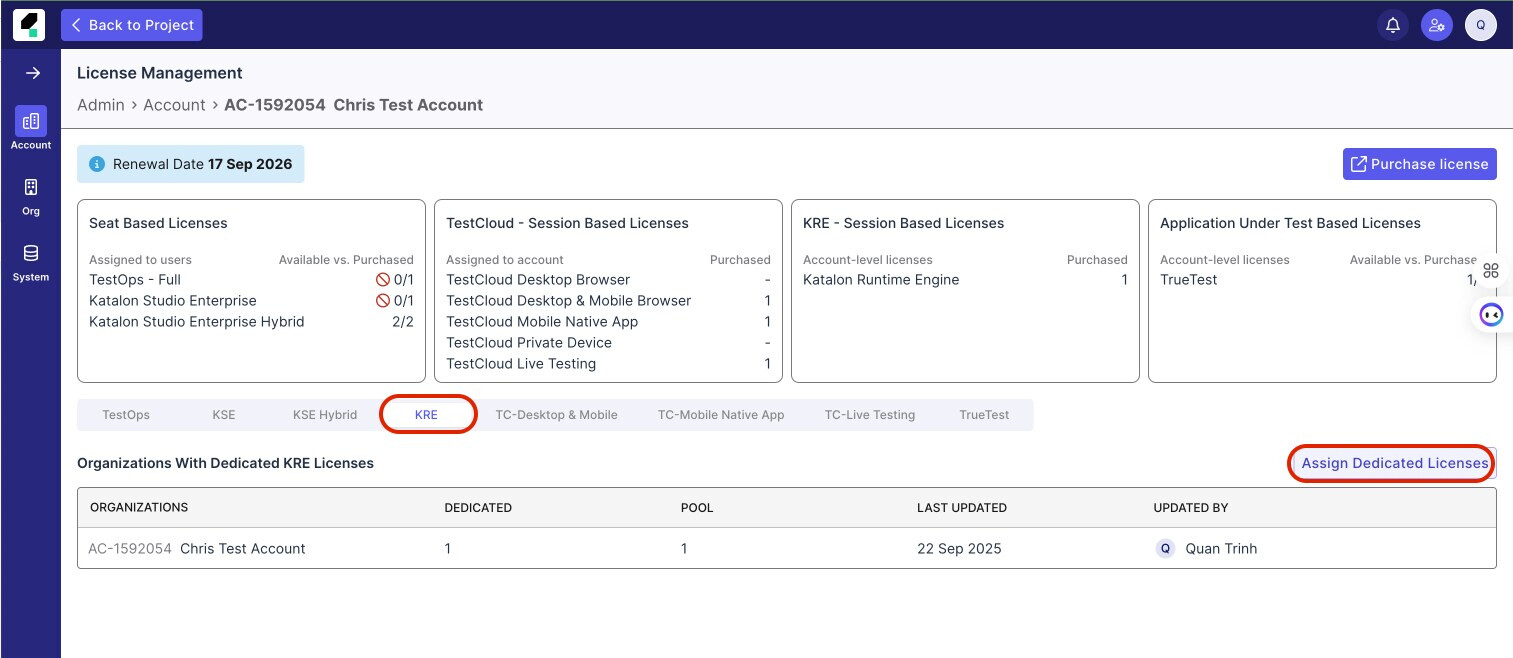
Option 2: Allocate the KRE licenses to Organization level
Please kindly ask your Katalon Account Manager (KAM) to allocate the KRE licenses to the proper Organization under License Management page.
As you are a paid user, have you reached out to official katalon support team?
Hi everyone,
Yes, that turned out to be the root cause — the licenses were originally under the project owner’s AC account instead of OG. The owner created a new organization and linked the licenses, which temporarily resolved the issue yesterday.
However, after midnight (00:00), the problem reappeared.
• On KRE 8, we’re now getting a NullPointerException.
• On KRE 10, the activation fails with “Failed to activate.”
We’ve already tried relinking the licenses again, but unfortunately, the same issue persists.
Any further suggestions or guidance would be greatly appreciated.
Best regards,
Jan