We have 4 Katalon Run time engine session based licenses. The Katalon test suites were working fine in jenkins till yesterday. Since today morning (oct 7, 2025), we are seeing the below issue in test suites and we are currently blocked. We had a similar issue few days back, and it resolved on its own after a few hours.
Failed to activate with TestCloud license. Failed to get organization or project info
Failed to activate with Katalon Runtime Engine license.
Failed to activate with TestCloud license.
Cannot execute this test suite. There is no Katalon Runtime Engine and TestCloud license available.
We’re sorry to know that there is a blocker to your execution. As an Enterprise user, could you please submit a support case for a timely assistance at our Support Portal?
In the detail submission, please kindly attach the full console log of your test so that we can investigate as soon as possible.
This is an issue with Katalon Run time engine. Katalon Studio is working fine. Can you please clarify on where i should check the settings ? Are you referring to the admin account where we assign licenses to users ? I dont see any option there for platform integration
we have the same problem, also starting from yesterday.
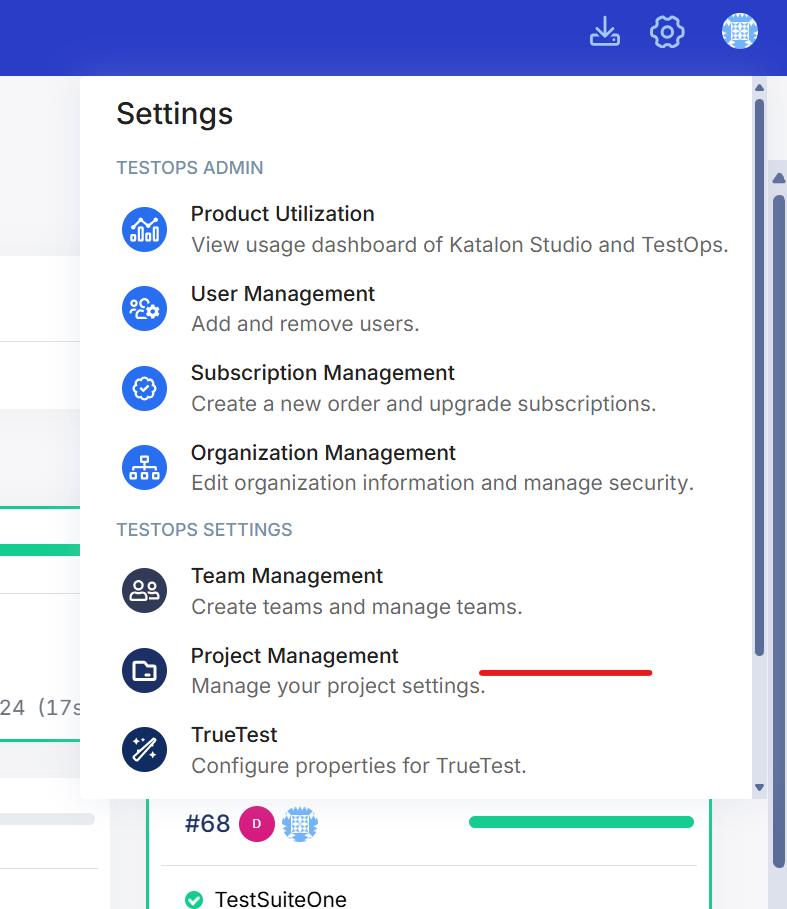
It seems, that the KRE license was not properly released. In the past, we released it manually in the license management view (as described in Manage Katalon Licenses (Legacy) | Katalon Docs)
The problem is, that we are not able to access the legacy administration page anymore, it is redirecting to the new admin page. And there I was not able to find a way to release the license yet.
Thank you for your suggestion, unfortunately it doesn’t work.
The browser directly redirects to “x”.katalon.io after the login (with “x” being a different subdomain, whether login with the company account or with an freshly registered “private” account for testing this issue). And there i have limited options to configure (compared to the legacy pages)
Hi, We are again getting the same issue today. last week, the support representative asked us to add “-orgId”, we did that and it was working fine. Today, again we are getting the same issue even though we already added the argument orgId and it was working fine till yesterday.
Thanks for sharing those details, and sorry you’re still running into the same issue. I’ve notified our team about this recurring behavior so they can take a closer look.
In the meantime, could you please submit a ticket via our Support Portal with your execution logs and project setup details? That’ll help our engineers investigate faster and identify why the token keeps expiring after a few days.
Appreciate your patience, and I’ll make sure to update this thread once we have more info from the team