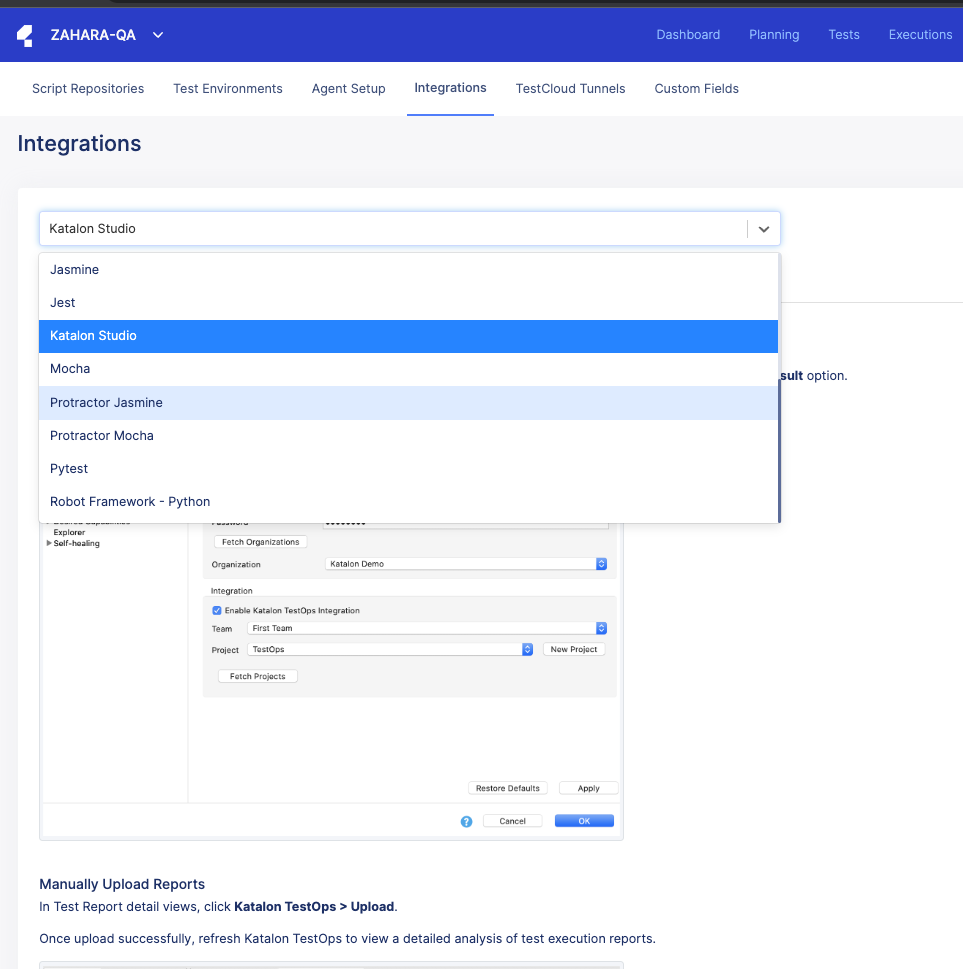
Unable to see Slack integration option in Katalon Testops

The integration tutorial page – https://docs.katalon.com/docs/analyze/integration-for-test-analyzing/slack-integration/manage-test-reports-with-slack---katalon-testops-integration#:~:text=Integrate%20Slack%20with%20Katalon%20TestOps,section%2C%20then%20click%20Test%20Connection.

tells that the Slack integration can be seen in Configurations → Integrations → Dropdown, however, when I go there in my dashboard I don’t see the option. Am I missing any steps/permissions?
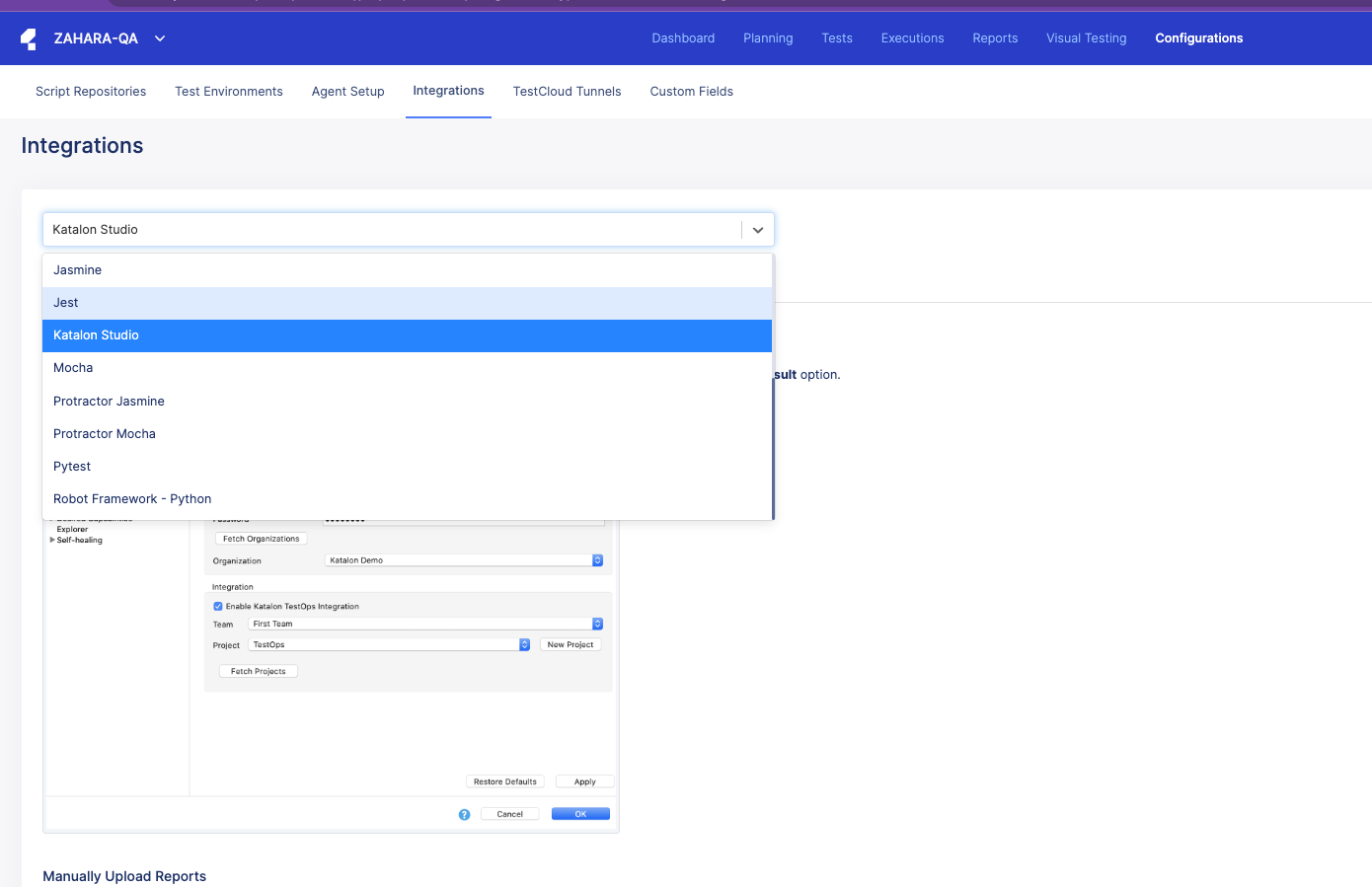
Hi,

I dont know why you cant see but I see the option. Can you please try reload it or open it in Incognito browser?

@Elly_Tran
I tried from incognito but I still don’t see the slack integration option. Also tried reloading multiple times but that too didn’t work

I believe that you are a member of this project. Slack or Jira/Xray configuration is available to project owners, so you should be project owners in order to see it. Try to check your role in this project, again?
I hope it is helpful.

@testfeaturedev
It is true that I do not have the project owner access, but I checked with a team member with that access but he too doesn’t have the Slack integration option.

I think you should double-check his role to ensure he has the Owner or Admin role.

@testfeaturedev Turns out, the admin role did have the ‘Slack’ option visible. Thanks for your help!