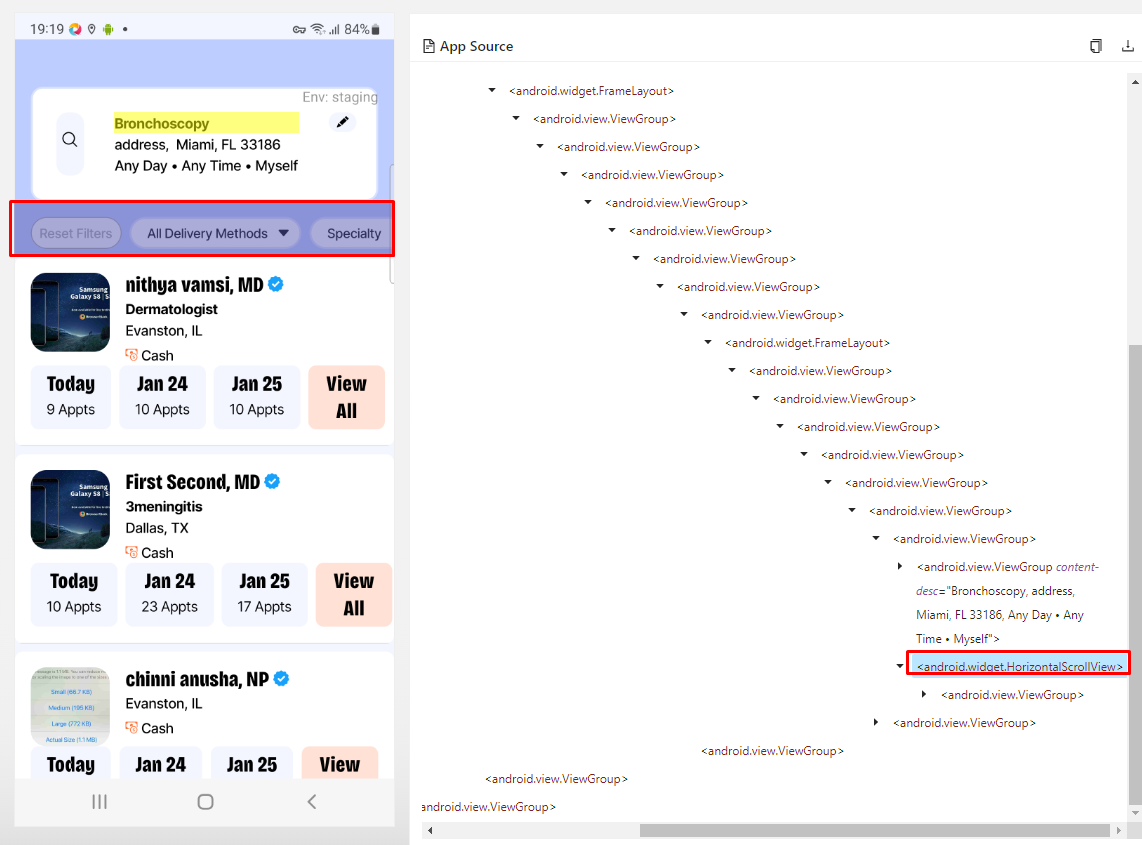
I need help in scrolling seekbar (eg: android.widget.SeekBar) as well as scrolling the seekbar to select a particular time(eg: 7:00 AM) → please see below images.
FYI: I’ve manged to scroll horizontally, need help with selecting time.(refer image 2)
Anyone knows how I could achieve this within Studio? Any suggestions are greatly appreciated!
Hi Elly,
Thanks for responding. I tried that way but it didn’t worked for me. Also using that setSliderValue() method we are able to scroll in some percentages. My use case is to scroll to a fixed number, (let’s say I want to select 03: 30) using setslidervalue() that is not possible. any other way to achieve this functionality?
What you could possible try is to loop where you keep “scroll[ing] in some percentages” until you come upon your fixed number. It sounds like you already have something working, so just work on that until you read or hear of something better.
Note: initially, I would have two exits–one when you encounter your fixed number and another based on a counter, like 10 moves and you can exit your loop, just so you don’t get into an endless loop.
setSliderValue is percentage based so it will never land exactly on 03:30. a SeekBar is focusable though, and once it has focus every DPAD_RIGHT key press moves it exactly one step, that is how accessibility users drive it. so: tap it once to focus, then send key events until the displayed value matches.
import io.appium.java_client.android.AndroidDriver
import io.appium.java_client.android.nativekey.*
import com.kms.katalon.core.mobile.keyword.internal.MobileDriverFactory

AndroidDriver driver = MobileDriverFactory.getDriver()
Mobile.tap(findTestObject('seekbar'), 5)

for (int i = 0; i < 300; i++) {
    String shown = Mobile.getText(findTestObject('selected_time_label'), 2)
    if (shown == '03:30 AM') break
    driver.pressKey(new KeyEvent(AndroidKey.DPAD_RIGHT))
}
if the bar exposes its position (check content-desc or the “text” attribute in object spy, often it is a number like 42) you can skip the loop and compute the number of presses from the difference. DPAD_LEFT goes the other way.
Verify after the loop (e.g. Mobile.verifyElementText on the label). Otherwise a format mismatch like 3:30 AM vs 03:30 AM just ends after 300 presses and the test carries on silently.
Read the current label first and press DPAD_LEFT if you’re past the target, DPAD_RIGHT if before, so it can’t overshoot.
To make it faster, jump close first (tap on the bar or setSliderValue to roughly the right percentage), then use DPAD only for the last few steps.
I missed this one more point
If one press equals a fixed step (e.g. 30 min), work out presses = (target − current) / step and send them in one go instead of reading the label each time.