Hi Team,
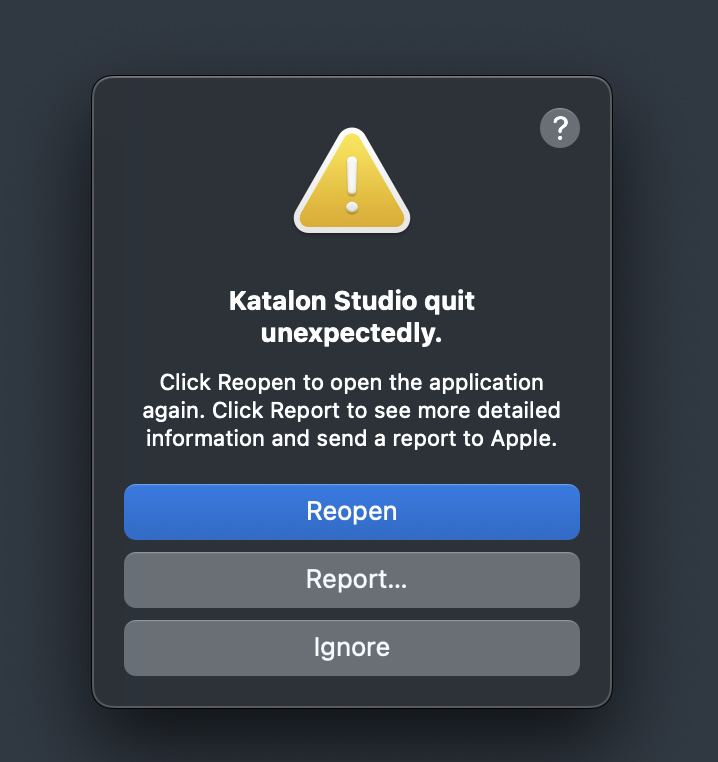
I am using katalon studio free edition from quite a few days and Katalon is getting closed abruptly.
I tried reinstalling latest version but that didn’t helped. I restarted katalon studio several times properly, i restarted my MAC several times but still its getting clsoed. My mac OS sequoia is 15.5 which is also on latest version but still its getting closed abruptly. Due to this sometimes my work is getting unsaved before i save it, and have to do re-work again.
Due to this issue, i have to click on save button after each action on katalon studio, which is really frustrating.
Let me know if i can share more details here.
Looking for a permanent solution please help.
Attaching the screen shot here.
Action Plan: Resolve Katalon Studio Mac Crashes
Step 1: System-Level Debugging A) macOS/Zulu/Java Compatibility
Check Installed Java :
bash
# Terminal command to check Java version
/usr/bin/java -version
2.Expect output like java version "17.0.5" or specific versions. Katalon requires Java 8-17.*Install Zulu 17 (if missing Java):
bash
brew install zulu17
B) Disk/CPU/Memory Check
Free Storage :macOS Storage > System Files to ensure > 15% free disk space.Activity Monitor :Activity Monitor → Check Memory/CPU spikes in Katalon Studio processes.
Step 2: Clean Katalon Installation
Full Uninstall :
bash
# Remove existing installation
rm -rf $HOME/Library/Application\ Support/Katalon
rm -rf $HOME/katalon
sudo rm -rf /Applications/Katalon\ Studio.app
Reinstall
Step 3: Isolate the Crash Trigger A) Test Scenarios
Create Minimal Test Case :
groovy
// Simple Test Case
class SimpleCase {
    def method1() {
        WebUI.openBrowser('https://example.com')
        WebUI.closeBrowser()
    }
}
Run without Plugins :
B) Log Analysis
Retrieve Error Logs :
bash
# Find logs
tail -n 50 $HOME/Library/Application\ Support/Katalon/10.3.4/.metadata/.log
Look for patterns:
OutOfMemoryError → Increase heap spacePort already in use: 50505 → Conflict in settings
Heap Space Configuration :~/.zshrc:
bash
export CATALINA_OPTS="-Xms512m -Xmx1024m"
Step 4: Advanced Solutions
Approach
Tools/Commands
Alternative Browser Use Safari/Firefox instead of Chrome
Memory-Safe Mode Run Katalon with reduced plugins:
bash
/Applications/Katalon\ Studio.app/Contents/MacOS/Katalon --CleanLaunch
| Custom JVM Args | Edit katalon.ini:
text
-Xms512m
-Xmx1024m
-Xss2m
rathivishal19:
my MAC
Which type of CPU device do you have? Intel Core? or Apple M1/M2?
Katalon provides 2 types of .dmg file:
Which one did you install?