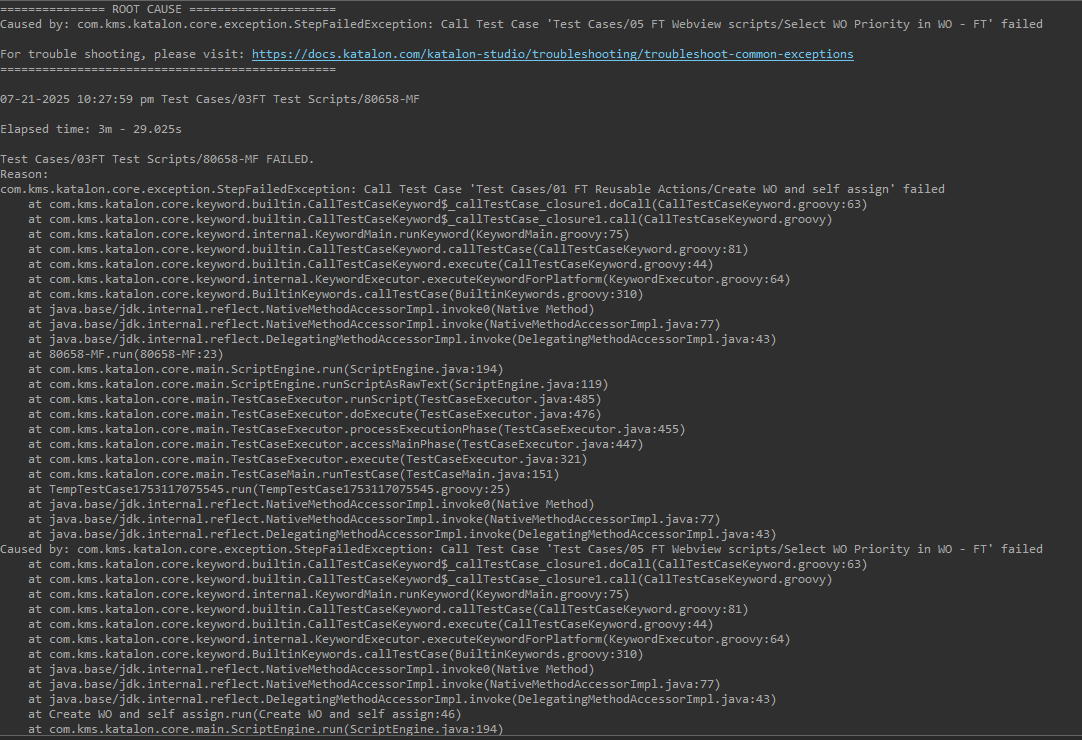
Based on the error message and your setup testing a hybrid app), here’s a structured approach to resolve the “Promise was collected” error:
Root Cause Analysis
This error typically occurs when:
- Appium loses connection with the WebView context
- JavaScript execution context changes during test execution
- WebView debugging issues in hybrid apps
- Timing issues between native↔web context switches
Solutions to Try
1. Update Appium and Drivers
bash
# Update to latest Appium (minimum 2.0+)
npm install -g appium@latest

# Update platform drivers
appium driver install uiautomator2
appium driver install xcuitest
2. Configure WebView Debugging
Add these capabilities to your mobile start method:
groovy
Mobile.startApplication('your_app_path', [
    'autoWebView': true,
    'autoWebViewTimeout': 20000,  // 20-second timeout for WebView
    'webviewConnectTimeout': 30000,
    'nativeWebScreenshot': true
])
3. Add Context Switching Safeguards
groovy
import com.kms.katalon.core.mobile.keyword.MobileBuiltInKeywords as Mobile
import io.appium.java_client.AppiumDriver

// After launching app
Mobile.delay(5)  // Wait for WebView initialization

// Get current driver instance
AppiumDriver driver = MobileDriverFactory.getDriver()

// Wait for WebView context to appear
int attempts = 0
while (driver.contextHandles.size() <= 1 && attempts < 10) {
    Mobile.delay(2)
    attempts++
}

// Switch to WebView context
if (driver.contextHandles.size() > 1) {
    driver.context(driver.contextHandles.last())
} else {
    Mobile.takeScreenshot()
    throw new Exception("WebView context not found!")
}
4. JavaScript Execution Protection
Wrap all JavaScript executions with this safety check:
groovy
def safeExecuteJS(String script) {
    try {
        return Mobile.executeJavaScript(script, null)
    } catch(Exception e) {
        Mobile.switchToNative()
        Mobile.delay(1)
        Mobile.switchToWebView()
        return Mobile.executeJavaScript(script, null)
    }
}

// Usage:
safeExecuteJS("document.getElementById('myElement').click();")
5. ChromeDriver Configuration
For Android WebViews:
groovy
Map<String, Object> chromeOptions = new HashMap<>()
chromeOptions.put("w3c", false)  // Disable W3C protocol

Mobile.startApplication('app_path', [
    'chromeOptions': chromeOptions,
    'chromedriverExecutable': '/path/to/chromedriver-2.46'  // Match Chrome version
])
6. Debugging Mode Verification
Ensure your WebView is debuggable:
- Android: Add to
AndroidManifest.xml
xml
<application android:debuggable="true">
    <WebView android:webContentsDebuggingEnabled="true" />
</application>
- iOS: Enable
isInspectable in WKWebView
7. Appium Server Log Analysis
Add this capability to capture detailed logs:
groovy
Mobile.startApplication('app_path', [
    'appium:showServerLogs': true,
    'appium:logLevel': 'debug'
])
Additional Troubleshooting Steps
- Reset App State between tests:
groovy
@BeforeTestCase
def resetApp() {
    Mobile.resetApplication()
}
- Driver Restart Fallback:
groovy
try {
    Mobile.tap(testObject, 10)
} catch(Exception e) {
    Mobile.closeApplication()
    // Re-initialize with updated capabilities
    Mobile.startApplication(...)
}
- Browser Version Check:
groovy
String webViewVersion = Mobile.executeJavaScript("return navigator.userAgent;", null)
println "WebView Version: $webViewVersion"
// Verify compatibility with chromedriver