Dear Team,
Since the last release of the tool, I encounter regularly issues for opening the extension into Chrome.
Sometimes when trying to open the tool by clicking the extension button

The tool does not want to open. Nothing appears and no error appears.
There the parameters of the extension for info:
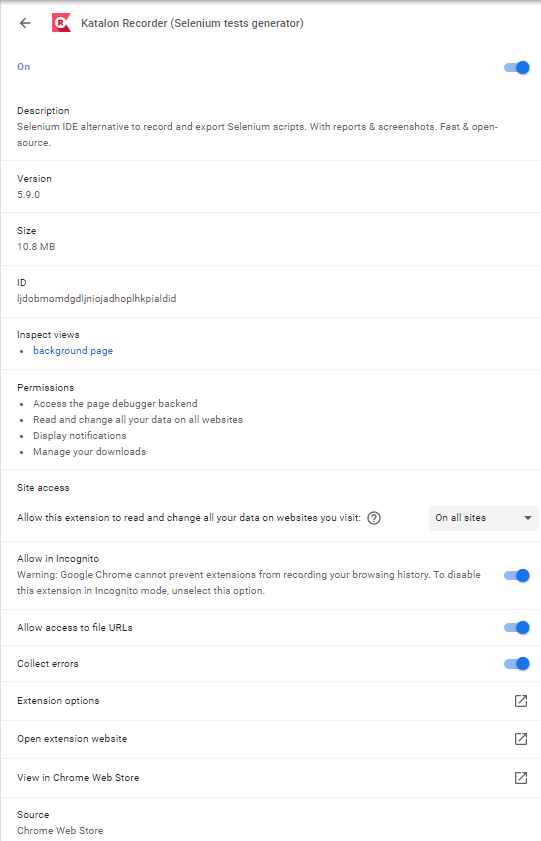
I’m trying to disabling and enabling the tool, but the issue is still present.
The only solution that I found is to uninstall and reinstall the tool but it’s boring because I’m obliged to reinport all my test suists and extension scripts.
There the errors panel of the tool:
And the error:

I forgot to export some tests before this issue. Is it possible to save the files in cache of the tool in order to restore them after reinstalling it?
Could you please help me with that ?
Thanks for your help