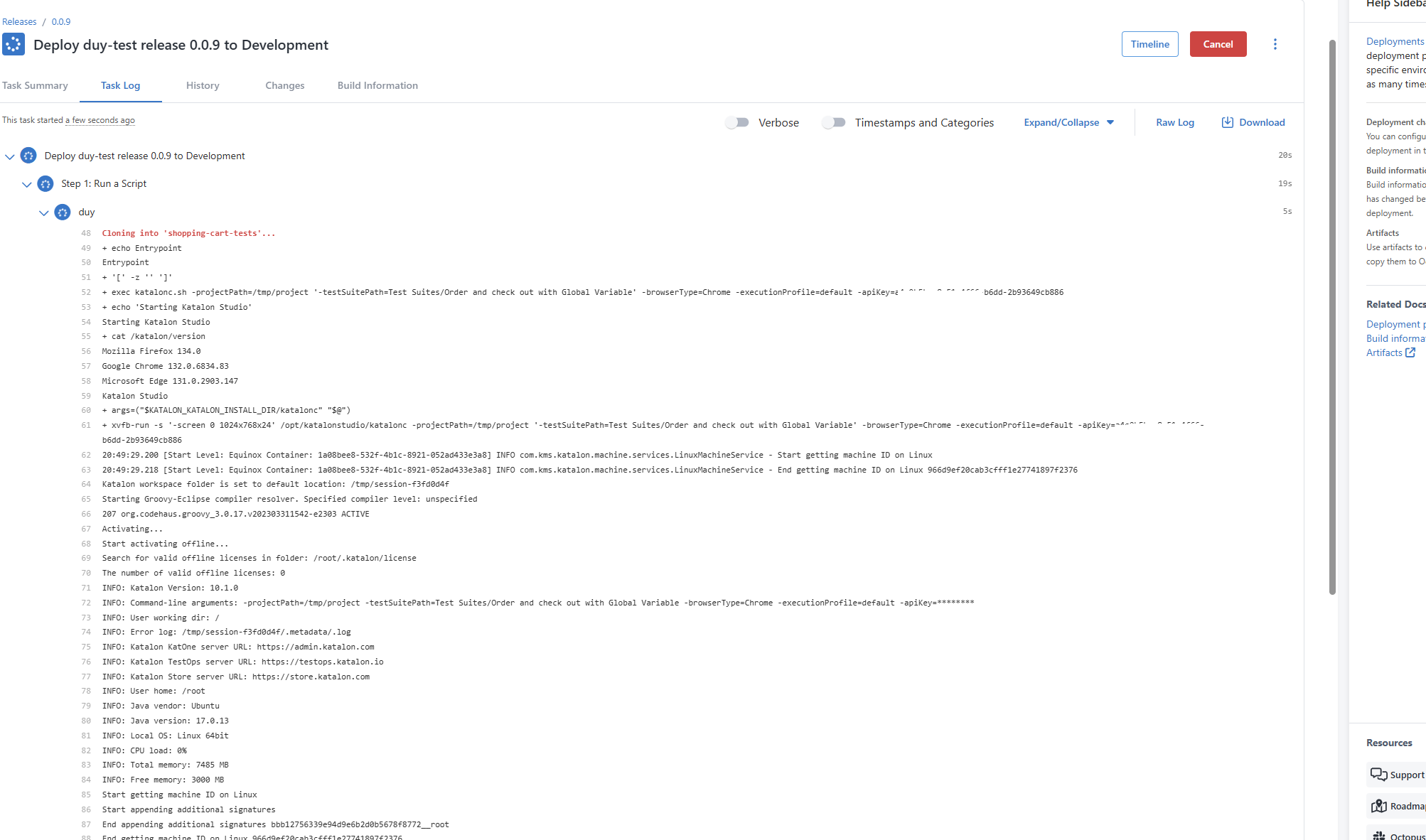
In this tutorial, we will create a simple integration between KRE and Octopus Deploy https://octopus.com/ on your Linux Octopus worker
Requirements:
-
KRE license
-
Git, Docker installed on your Octopus Linux Worker(s).
Steps:
-
In the Process Editor, Create a Run a Script step
-
In the step, edit Inline Source Code with this Bash script
git clone <your-repo-url>
cd <your-repo-folder>
docker run -t --rm -v "$(pwd)":/tmp/project katalonstudio/katalon:latest katalonc.sh -projectPath=/tmp/project -testSuitePath="path to your suite" --executionProfile="default" -apiKey="your api key"
- Save the step, and deploy