Hello Again @benjamin.emina
You got the
"Caused by: org.openqa.selenium.WebDriverException: unknown error: cannot create temp dir for user data dir (Driver info: chromedriver=74.0.3729.6 (255758eccf3d244491b8a1317aa76e1ce10d57e9-refs/branch-heads/3729@{#29}),platform=Windows NT 6.3.9600 x86_64) (WARNING: The server did not provide any stacktrace information) " error message.
@emine Thanks for your response but my issue is not related to record and play.
I am facing the issues where xpath is not locating the element.
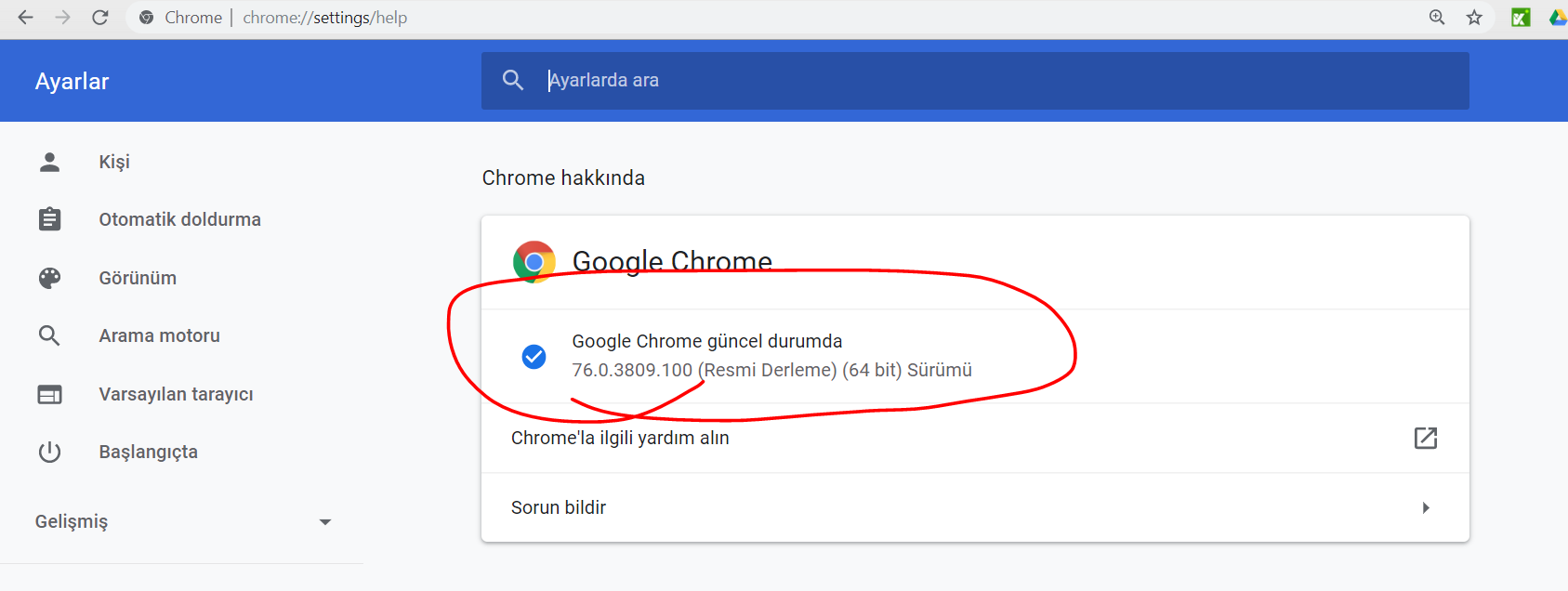
Previously xpath working fine with the google chrome 75 version but started getting error after upgrade from 75 to 76.0.3809.100 . seeking help on this.
This is the error I am facing:
SLF4J: The requested version 1.7.16 by your slf4j binding is not compatible with [1.6]
SLF4J: See http://www.slf4j.org/codes.html#version_mismatch for further details.
Starting ChromeDriver 76.0.3809.68 (420c9498db8ce8fcd190a954d51297672c1515d5-refs/branch-heads/3809@{#864}) on port 46335
Only local connections are allowed.
Please protect ports used by ChromeDriver and related test frameworks to prevent access by malicious code.
Aug 19, 2019 12:43:26 PM org.openqa.selenium.remote.ProtocolHandshake createSession
INFO: Detected dialect: W3C
Hi Helen,
I am facing issue with using the chrome exe for 76 that you have shared. It says “Starting ChromeDriver 76.0.3809.68 (420c9498db8ce8fcd190a954d51297672c1515d5-refs/branch-heads/3809@{#864}) on port 9515
Only local connections are allowed.
Please protect ports used by ChromeDriver and related test frameworks to prevent access by malicious code.”
Currently my scripts aren’t running on chrome 79. I would like to install Katalon compatible chrome version. Please help.
Thanks,
Roopa
To be a bit more specific, the Chrome Driver version must match the installed version of Chrome on your computer. In most cases, that’s the latest version as Chrome is “evergreen” and will automatically update. However, some organizations lock it down and prevent this. For me, it was several versions old, but it was easy enough to confirm the installed version of Chrome and manually drop in the correct driver. I hope this helps someone else.