I have published a GitHub project
-
originally published at Jan 2023
-
updated at Aug 2024, the tag 2.1.2 was confirmed runnable with Katalon Studio v8. This version does not work with KS v10 and newer.
-
updated at April 2025, the tag 2.4.1 was confirmed runnable with Katalon Studio v10 and v11. This version no longer works with KS v9 and older.
Problem to solve
In the Katalon User Forum, there is a Frequently Asked Question.
I want to do a Web UI test using browsers, and at the same time I want to record the payloads of HTTP Requests and Responses exchanged between a browser and servers. I want to save the payloads into a local file and later reuse it. How can I do it?
Katalon Studio does not support recording the payload of HTTP messages exchanged between a browser and HTTP servers. You need to employ additional technology. The following post by matteo.lauria at Feb '21 suggested BrowserMob Proxy for this purpose.
BrowserMob Proxy will enabled us to make a HAR file which contains all HTTP requests and responses recorded during a course of tests in Katalon Studio. The HTTP messages will be formated in JSON.
The post suggested a way to make use of BrowserMob Proxy in Katalon Studio. Unfortunately the sample code by matteo.lauria were incomplete (e.g, the import statements were trimmed off), so it was difficult for others to use that technique in their projects.
Solution proposed
Here I would show you a runnable Katalon Studio project empowered by BrowserMob Proxy. With this project, you would see how to make a HAR file that contains HTTP messages exchanged by browser and HTTP servers. The following diagram shows the processing sequence how the participating entities cooperate:

Additionally, this project would provides a few sample codes that post-processes a large HAR file to extract small amount of request-response logs of your interest.
Description
Prerequisites
-
This project was developed and tested on Katalon Studio v10.4.2. This will work on KS v11 as well. This doesn’t work on KS v9 and older versions.
-
I tested this project on macOS 26.3.1. This project has no OS-dependencies. Therefore, it should work on Windows as well.
-
You need to run Gradle Build Tool on your machine in order to resolve the external dependencies. To run Gradle, you need Java 17 or newer installed on your machine. You need the command
$ java --versionto work in the command line.
Setting up the demo project
-
Download the zip of
tag 2.4.1of the project “BrowserMobProxyInKatalonStudio” from the Releases page. Locate the link labeled “Source code (zip)”. Click to download the file. -
Unzip it. You will get a new folder named
BrowserMobProxyInKatalonStudio-2.4.1. I will call this folder as<projectDir>for short. -
You want to resolve external dependencies using Gradle build tool. In a Terminal window, run the following bash command:
$ cd <projectDir>
$ ./gradlew katalonCopyDependencies
When the command finished, you will obtain a set of jar files downloaded from the Maven Central repository on the Internet into the Drivers folder, as follows:
$ tree ./Drivers
./Drivers
├── katalon_generated_accessors-smart-2.5.0.jar
├── katalon_generated_asm-9.3.jar
├── katalon_generated_bcpkix-jdk18on-1.83.jar
├── katalon_generated_bcprov-jdk18on-1.83.jar
├── katalon_generated_bcutil-jdk18on-1.83.jar
├── katalon_generated_json-path-2.9.0.jar
├── katalon_generated_json-smart-2.5.0.jar
├── katalon_generated_jsonflyweight-0.1.6.jar
├── katalon_generated_netty-buffer-4.2.10.Final.jar
├── katalon_generated_netty-codec-base-4.2.10.Final.jar
├── katalon_generated_netty-codec-compression-4.2.10.Final.jar
├── katalon_generated_netty-codec-http-4.2.10.Final.jar
├── katalon_generated_netty-common-4.2.10.Final.jar
├── katalon_generated_netty-handler-4.2.10.Final.jar
├── katalon_generated_netty-resolver-4.2.10.Final.jar
├── katalon_generated_netty-transport-4.2.10.Final.jar
├── katalon_generated_netty-transport-native-unix-common-4.2.10.Final.jar
└── katalon_generated_slf4j-api-2.0.13.jar

1 directory, 18 files
Now you are ready to run the demonstration.
Running the demo project
Open the Test Suites/main/TS1_demoaut.katalon.com. You can just run it by clicking the button  as usual.

You can choose a local desktop browser: Chrome, Chrome (headless), Forefox, Firefox (headless) or Edge Chromium.
The Test Suite will run for about 1 minute.
When finished, you will find a new folder named work/main_TS1_demoaut_katalon_com containing 2 files: pretty.har and extract.har. If you can’t see it, close and reopen the project to reflesh the view.

Please note, these 2 files have very different size:
:~/tmp/BrowserMobProxyInKatalonStudio-2.4.0/work/main_TS1_demoaut.katalon.com
$ ls -la
total 26808
drwxr-xr-x@ 4 kazurayam  staff       128  4月  1 22:07 .
drwxr-xr-x@ 3 kazurayam  staff        96  4月  1 22:07 ..
-rw-r--r--@ 1 kazurayam  staff     12001  4月  1 22:07 extract.har
-rw-r--r--@ 1 kazurayam  staff  13711030  4月  1 22:07 pretty.har
The pretty.har contains all raw HTTP payloads captured by BrowserMob Proxy during the Test Suite execution. It is large. It has the size of 13 Megabytes.
The extract.har has only 12 Kilobytes, which was generated by the Test Suite while extracting the several records out of the raw HAR against a certain criteria.
HAR Viewer tool
The raw HAR file is very large. Usually it contains thousands of lines. If you open the work/main_TS1_demoaut.katalon.com/pretty.har file using a text editor in Katalon Studio, you would certainly feel depressed to look into it. Text editor is not good to view a HAR.
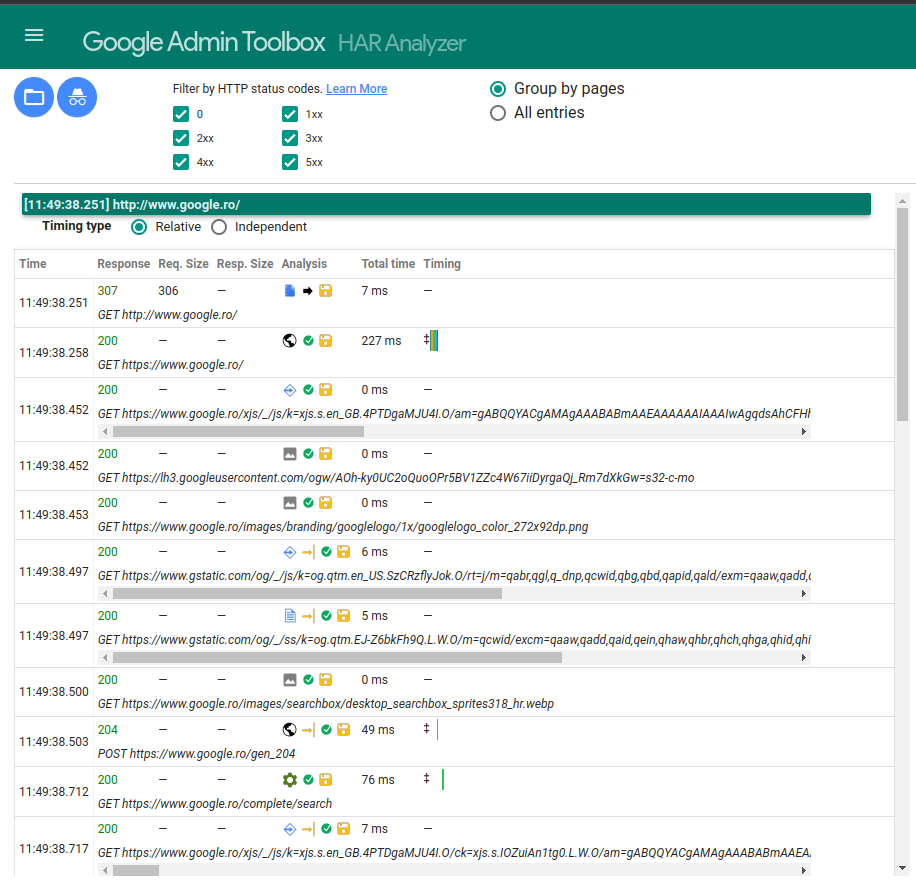
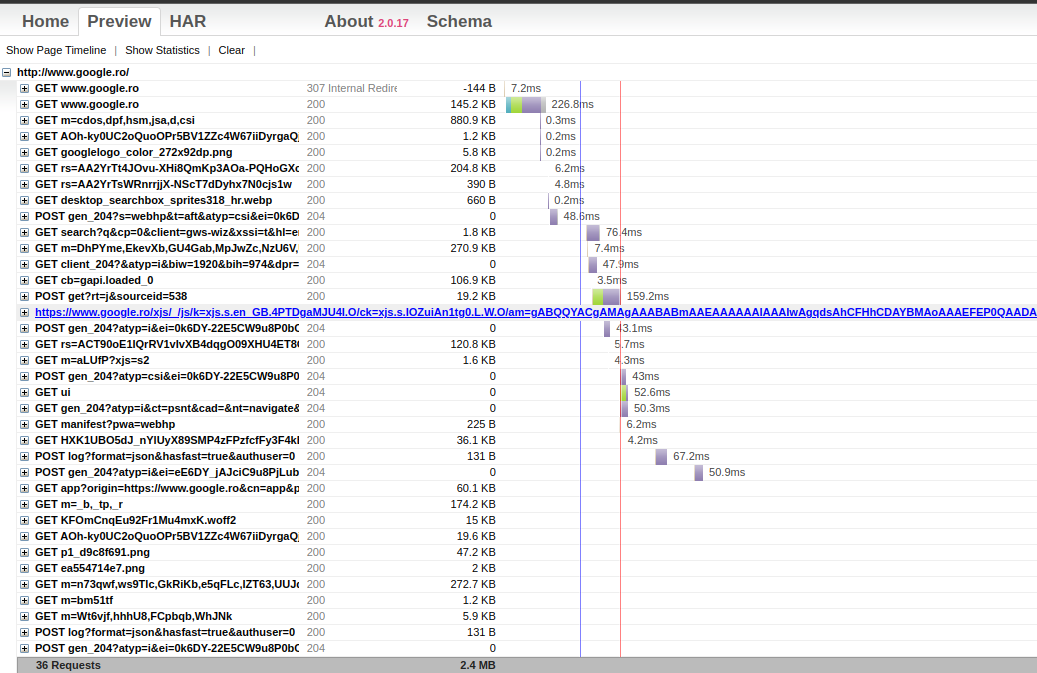
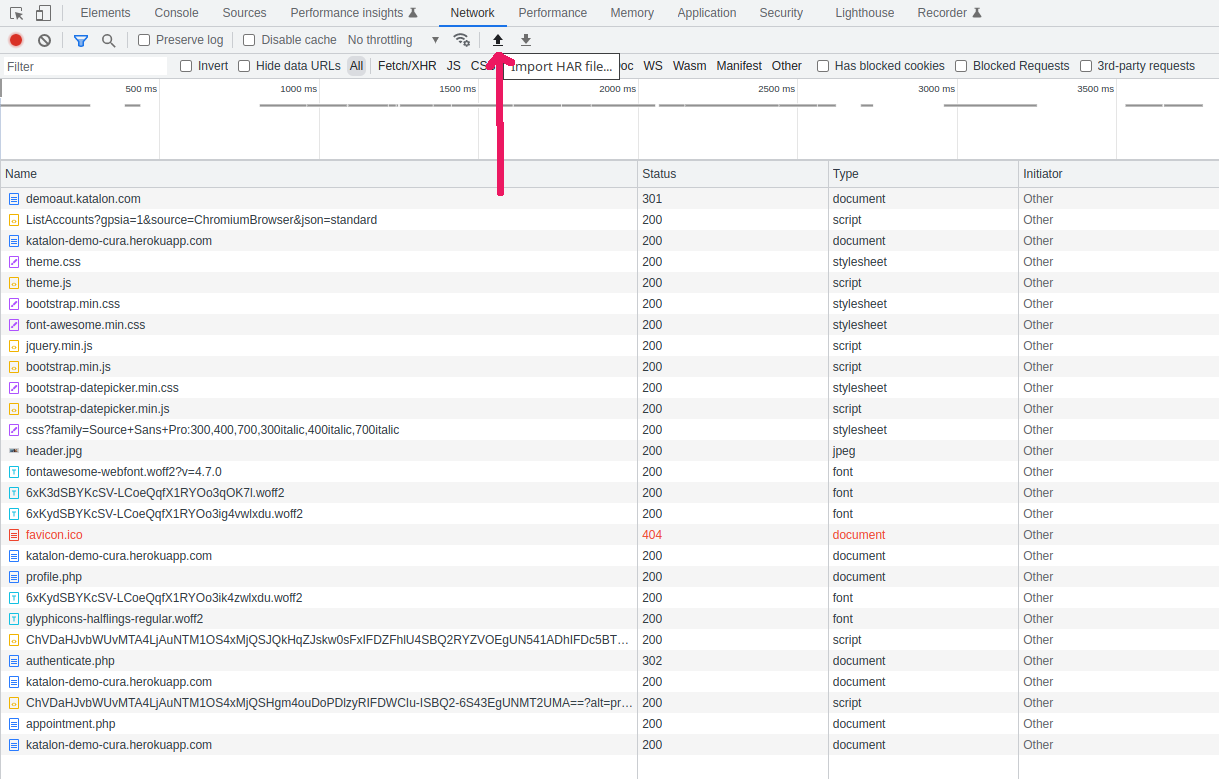
In the market, there are several designated tools to view HAR files effectively. I would recommend Visual Studio Code with HAR Viewer. The following images show an example:


Code Design
The Test Suite/main/TS1_demoaut.katalon.com consists of 4 Test Cases.
Let me show the source of scripts and describe a bit about them.
1. Test Cases/main/common/startProxy_WebUI.openBrowser
// start BrowserMob Proxy background, call WebUI.openBrowser
CustomKeywords.'com.kazurayam.ks.WebDriverPlusHARFactory.openBrowser'('')
The detail is entirely wrapped in the openBrowser method of the custom class com.kazurayam.ks.WebDriverPlusHARFactory, which does the following:
-
starts a process of BrowserMob Proxy Server on the localhost.
-
opens a web browser using
WebUI.openBrowser()keyword. -
configures the browser so that it communicate with the target URL via the proxy
Calling WebUI.openBrower will take 10-20 seconds as usual. Starting BrowserMob Proxy will take just a few seconds.
The source of the custom class is concise. But it does a series of complicated processings using Groovy’s Meta-programming technique. Please read the source if you are interested.
2. Test Cases/main/interactions/visit_demoaut.katalon.com
import static com.kms.katalon.core.testobject.ObjectRepository.findTestObject

import com.kms.katalon.core.webui.keyword.WebUiBuiltInKeywords as WebUI

import internal.GlobalVariable

WebUI.navigateToUrl('http://demoaut.katalon.com/')

WebUI.click(findTestObject('Object Repository/TC1/Page_CURA Healthcare Service/a_Make Appointment'))

WebUI.setText(findTestObject('Object Repository/TC1/Page_CURA Healthcare Service/input_Username_username'), 'John Doe')

WebUI.setEncryptedText(findTestObject('Object Repository/TC1/Page_CURA Healthcare Service/input_Password_password'), 'g3/DOGG74jC3Flrr3yH+3D/yKbOqqUNM')

WebUI.click(findTestObject('Object Repository/TC1/Page_CURA Healthcare Service/button_Login'))

WebUI.selectOptionByValue(findTestObject('Object Repository/TC1/Page_CURA Healthcare Service/select_Tokyo CURA Healthcare Center        _5b4107'),
    'Hongkong CURA Healthcare Center', true)

WebUI.click(findTestObject('Object Repository/TC1/Page_CURA Healthcare Service/input_Medicaid_programs'))

WebUI.click(findTestObject('Object Repository/TC1/Page_CURA Healthcare Service/input_Visit Date (Required)_visit_date'))

WebUI.click(findTestObject('Object Repository/TC1/Page_CURA Healthcare Service/td_31'))

WebUI.setText(findTestObject('Object Repository/TC1/Page_CURA Healthcare Service/textarea_Comment_comment'), 'This is a comment')

WebUI.click(findTestObject('Object Repository/TC1/Page_CURA Healthcare Service/button_Book Appointment'))

WebUI.click(findTestObject('Object Repository/TC1/Page_CURA Healthcare Service/a_Go to Homepage'))
This is a usual Katalon Test Case. It navigates to a URL http://demoauto.katalon.com and operates on the web pages using WebUI.* keywords.
This step will take 10+α seconds to finish.
3. Test Cases/main/common/closeBrowser_stop
import java.nio.file.Files
import java.nio.file.Path
import java.nio.file.Paths

import com.kazurayam.ks.WebDriverPlusHARFactory
import com.kms.katalon.core.configuration.RunConfiguration
import com.kms.katalon.core.util.KeywordUtil
import internal.GlobalVariable

Path workDir = Paths.get(RunConfiguration.getProjectDir()).resolve("work")
Path outDir = workDir.resolve(GlobalVariable.TestSuiteShortName)
Files.createDirectories(outDir)
Path harFile = outDir.resolve("pretty.har")
Writer bw = Files.newBufferedWriter(harFile)

WebDriverPlusHARFactory.closeBrowserExportHAR(bw)

assert Files.exists(harFile)
assert harFile.toFile().length() > 0
KeywordUtil.logInfo('[closeBrowser_stopProxy] harFile: ' + harFile.toString() + ", " + harFile.toFile().length() + "bytes")
This script does the following:
-
prepare a folder where HAR files will be written into
-
call the
closeBrowserExportHARmethod of the custom classcom.kazurayam.ks.WebDriverPlusHARFactory, which does the following:-
call
WebUI.close()to close the browser window -
export a HAR instance out of the BrowserMob Proxy Server. Pretty-print the JSON and write it into the given file. Stop the proxy process.
-
This step will take just a few seconds to finish.
When this step finished, you will find a file created
4. Test Cases/main/post-process/select_entries_for_jquery_or_fontawesome
// Test Cases/post-process/select_entries_of_jquery.min.js

import static com.kms.katalon.core.testcase.TestCaseFactory.findTestCase

import java.nio.file.Files
import java.nio.file.Path
import java.nio.file.Paths
import java.util.regex.Pattern

import org.apache.commons.io.FileUtils

import com.jayway.jsonpath.Criteria
import com.jayway.jsonpath.Filter
import com.jayway.jsonpath.JsonPath
import com.kms.katalon.core.configuration.RunConfiguration
import com.kms.katalon.core.webui.keyword.WebUiBuiltInKeywords as WebUI

import internal.GlobalVariable

Path outDir = Paths.get(RunConfiguration.getProjectDir())
                .resolve('work')
                .resolve(GlobalVariable.TestSuiteShortName)

// Input
Path inputHar = outDir.resolve("pretty.har")
assert Files.exists(inputHar)

// Output
Path output = outDir.resolve("extract.har")

// specify how I use Jayway JsonPath to transform the input HAR
Closure cls = { Path har ->
    // I am interested in a HTTP request of which URL contains a string ".jquery.min.js"
    Filter filter1 = Filter.filter(
        Criteria.where("request.url")
                .regex(Pattern.compile('.*jquery\\.min\\.js')));

    // I am also interested in  "fontawesome-webfont.woff2"
    Filter filter2 = Filter.filter(
         Criteria.where("request.url")
                .regex(Pattern.compile('.*fontawesome\\-webfont\\.woff2.*')));

    Filter filter = filter1.or(filter2)

    // Now select interesting entries out of the HAR to create a much smaller json file
    List<Map<String, Object>> result =
        JsonPath.parse(Files.newInputStream(har))
            .read("\$['log']['entries'][?]", filter)
                                    // [?(...)] is a filter expression
    return result
}

// apply the templates to transform the input into the output
WebUI.callTestCase(findTestCase("Test Cases/main/post-process/HAR Transform"),
                    [
                        "inputHar": inputHar,
                        "templates": cls,
                        "outputJson": output,
                        "shouldBeLessThan": 20
                    ])
The 4th script will transform the large HAR file into a smaller JSON file.
What did I do here? — I wanted to select two types of HTTP Request-Response interactions out of the source HAR.
-
HTTP Requests to the URL that ends with “jquery.min.js”
-
HTTP Requests to the URL that contains “fontawesome”
How did I implement it? — Please read the source code above. I employed Jayway JsonPath library. There are several articles about JsonPath on the net.
The 4th step takes just 3 seconds. Jayway JsonPath runs amazingly fast.
Conclusion
Hope this helps.
Do you want to get HAR in your own Katalon project? Do you want to find out how to? — Well, please study this demonstration, reuse whatever code in your project. The build.gradle file and the files in the Keywords and Test Cases folder are essential. These are designed to be reusable.