Hello, so I’m here completely dumbfounded by what’s happening I call a click action on a span and it’s registered as done by katalon, yet it doesn’t and if I do the same step manually the click is correctly registered.
So here is my katalon script
WebUI.openBrowser('')

WebUI.navigateToUrl(GlobalVariable.env + '/landing')

WebUI.setText(findTestObject('LandingPage/input_IndiquezVotreAdresseDeLivraison'), '22 rue du')

WebUI.click(findTestObject('Flow Livraison/1-AdresseDeLivraison/div_22 Rue du Sergent Bauchat, Paris, France'))

WebUI.waitForElementClickable(findTestObject('LandingPage/span_Decouvrez nos points de retrait'), 0)

WebUI.click(findTestObject('LandingPage/span_Decouvrez nos points de retrait')) //This is the click registered as passed but not done.

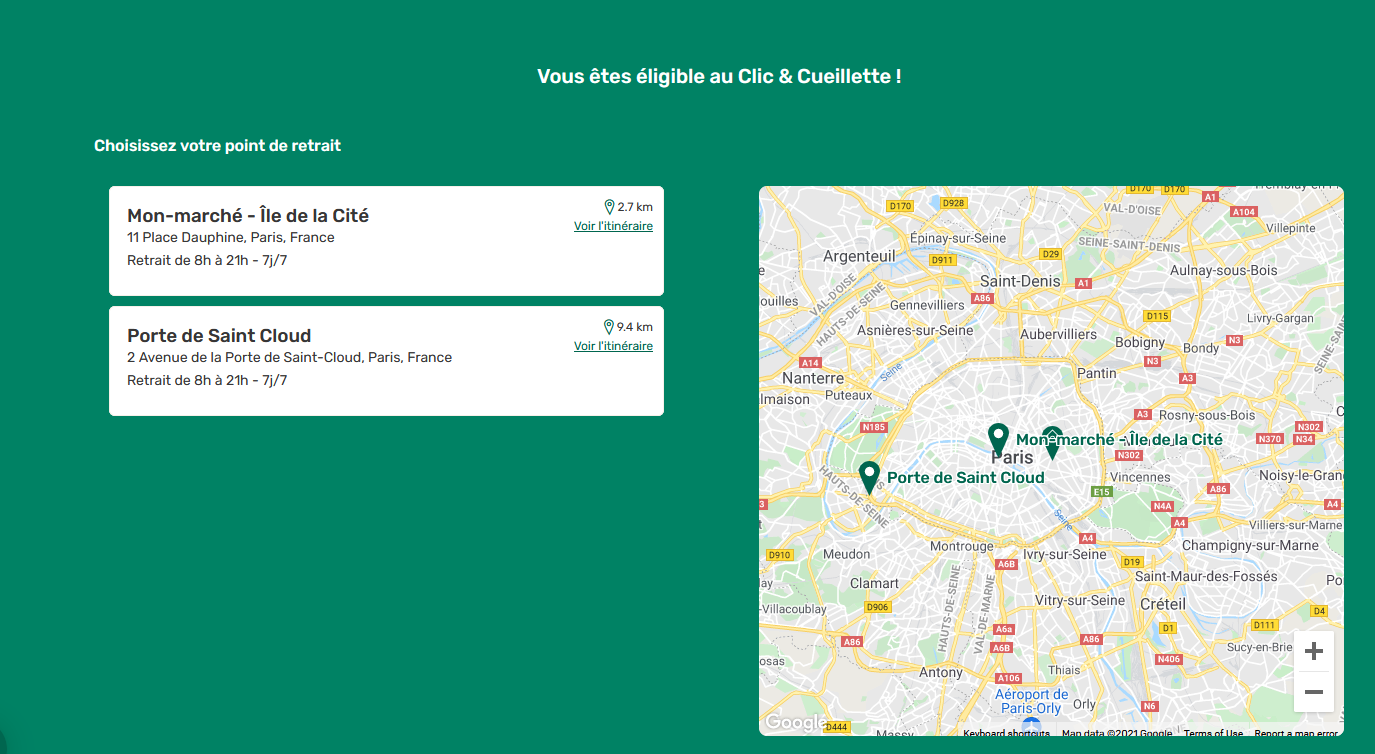
WebUI.enhancedClick(findTestObject('Flow Livraison/2B-EligibleCetC/h3_Porte de Saint Cloud')) // The failing step since the page element hasn't changed without a proper click

WebUI.click(findTestObject('Flow Livraison/3-ModeDeRetrait/div_Clic  Cueillette piton'))
So the test fail at the step afer with an error saying that the object “Flow Livraison/2B-EligibleCetC/h3_Porte de Saint Cloud’” cannot be found blablabla.
I’ve tried double click and enhanced click with no relevant results.
here’s the object I try to click :
<span class="layout__ButtonContent-sc-1rcmk3z-0 jfRqFP">Decouvrez nos points de retrait</span>
And the selector :
//*[(text() = 'Decouvrez nos points de retrait' or . = 'Decouvrez nos points de retrait')]
The text is only present one time on the page.
Feel free to ask more question if there’s anything missing.
It’s unusual (but not impossible) that a span is used for click actions.
What is supposed to happen when the span is clicked? Can you post the HTML around the span (it’s probably a button or input element). Even better, can you use Firefox and post a screenshot of the element?
<div class="layout__Menu-sc-2y5f8g-1 flelyq">
   <div class="layout__Item-sc-2y5f8g-2 layout__DropdownContent-sc-1cvnyhb-30 jBHMTS QmjKl">
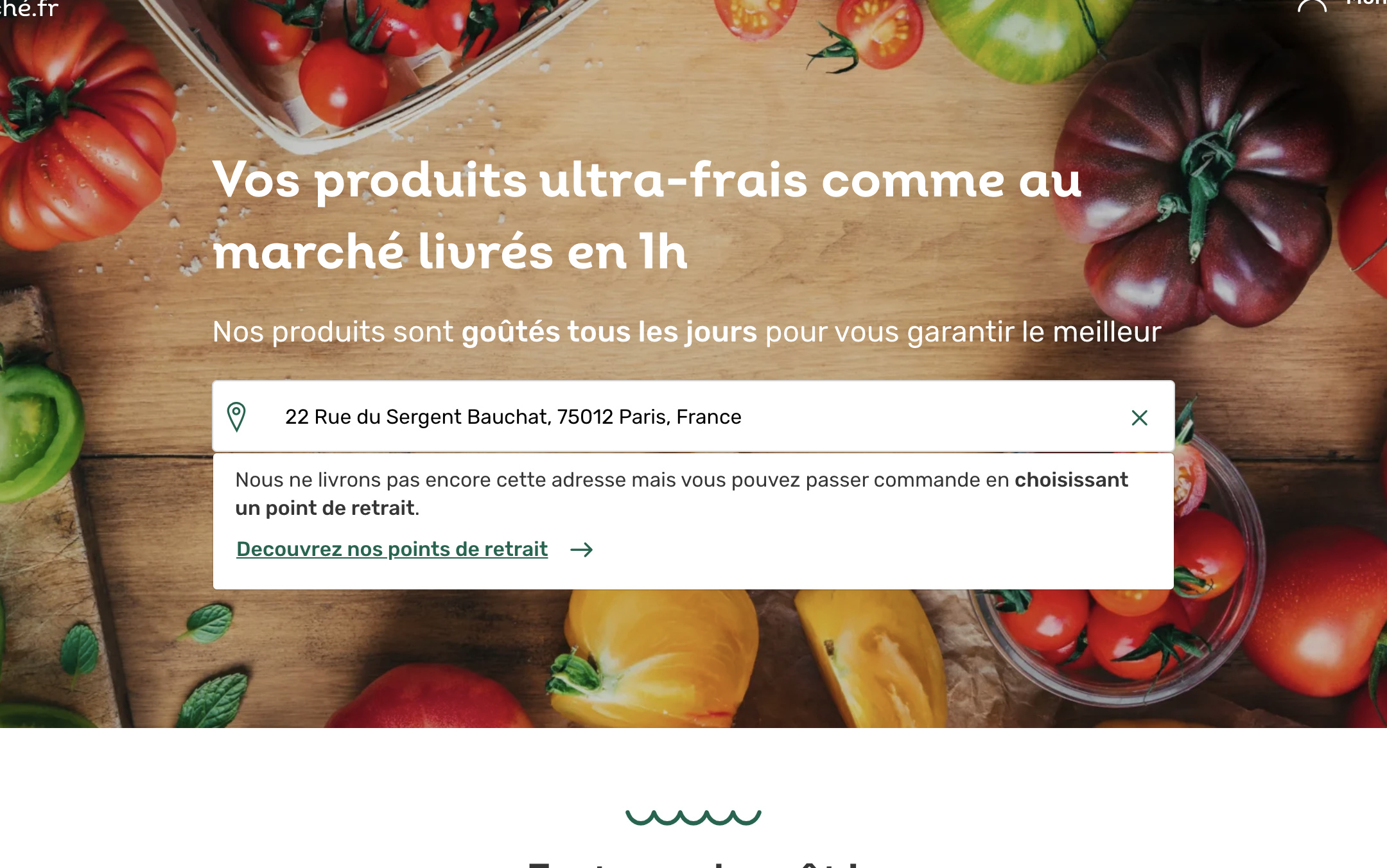
      <p><span>Nous ne livrons pas encore cette adresse mais vous pouvez passer commande en <span>choisissant un point de retrait</span>.</span></p>
      <p>
         <button size="15" class="layout__Button-sc-1rcmk3z-1 ksDEti LinkButton-sc-1a7rf9r-0 ijPA-Dv layout__CollectShopsButton-sc-1cvnyhb-31 XYLfh" type="button">
      <div class="layout__InnerButton-sc-1rcmk3z-4 fmerfF"><span class="layout__ButtonContent-sc-1rcmk3z-0 jfRqFP">Decouvrez nos points de retrait</span><span name="foreward" data-testid="button-right-icon" size="26" class="Icon-sc-1ega11m-0 layout__Icon-sc-1rcmk3z-5 bmLfGW fEBHzG icon-foreward"></span></div></button></p>
   </div>
</div>
To put it in context it’s a website that offer some delivery, but if the user adress is out of reach (like in this case) we offer them to come and take their order onsite. So the user click on this text (in green) and the page change to show nearby (the url doesn’t change).