minh
January 25, 2024, 6:39am
1
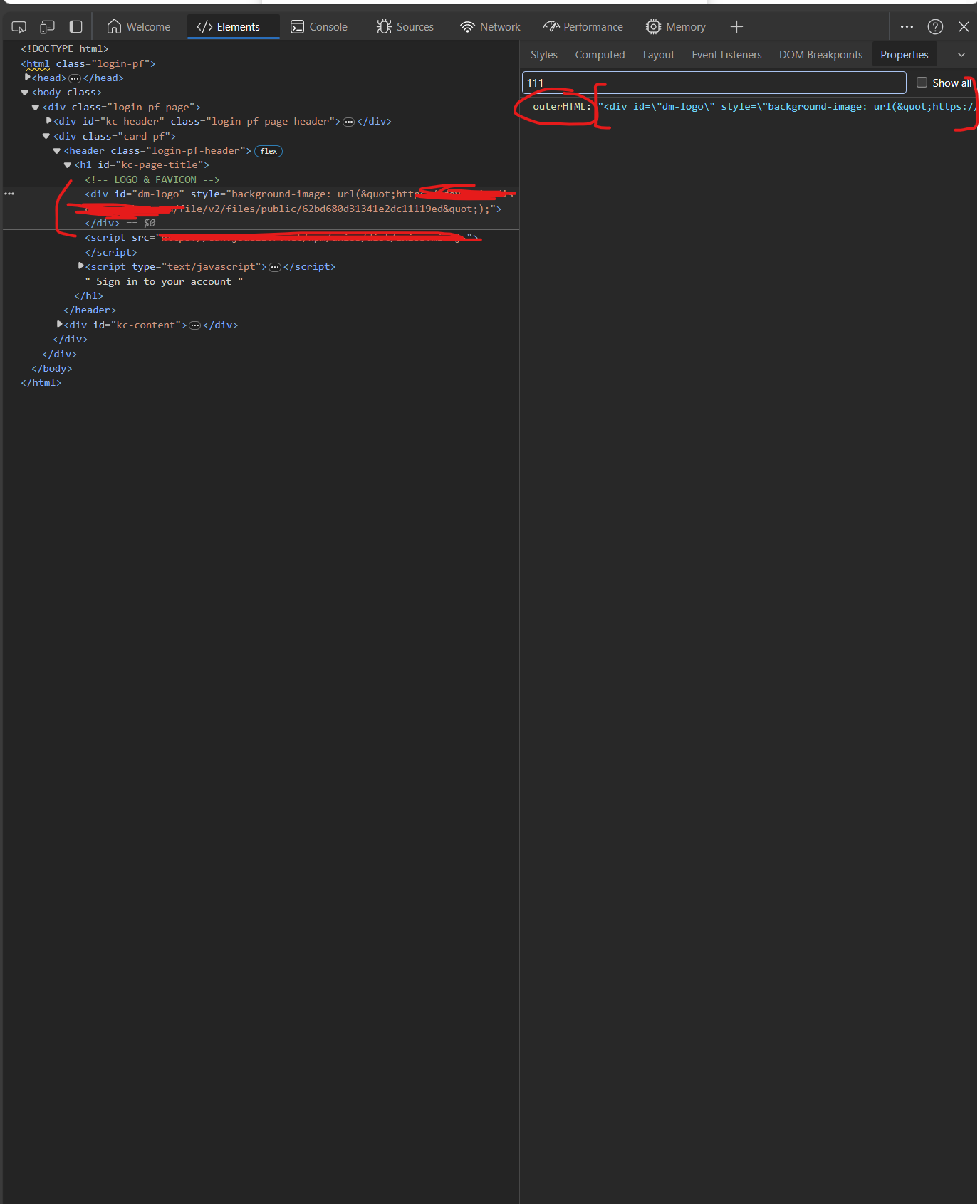
Hi there, currently I get no clue how to get this data in outerHTML in property tabs like in the picture below
I have an xpath like this [//div[@id = ‘dm-logo’], my wanted data is in the inner outerHTML.
What are you trying to achieve by getting that?
I don’t understand what it means.
What precisely are you looking for in that <div> element? An attribute?
What if I told you that you could get that attribute, in xpath, like this:
//div[@id = 'dm-logo']/@style
?
DISCLAIMER : I picked style attribute because that’s the only one I saw on that div… Replace it with the attribute you wish to target.
Better yet, you could just use WebUI.getAttribute(yourDivObject, 'style')…
Firstly, outerHTML and innerHTML are properties of a web element present in the DOM – they are not attributes.
You cannot get properties on an element using XPATH.
You will struggle to get properties of any element using Katalon/Selenium (with the exception of the value property, but that’s another story I don’t care to go into – again).
@minh Your only choice is to use JavaScript.
document.querySelector('#dm-logo').outerHTML;
You can test that in the DevTools console.
Now in Groovy:
String js = "return document.querySelector('#dm-logo').outerHTML;")
String html = WebUI.executeJavaScript(js, null)