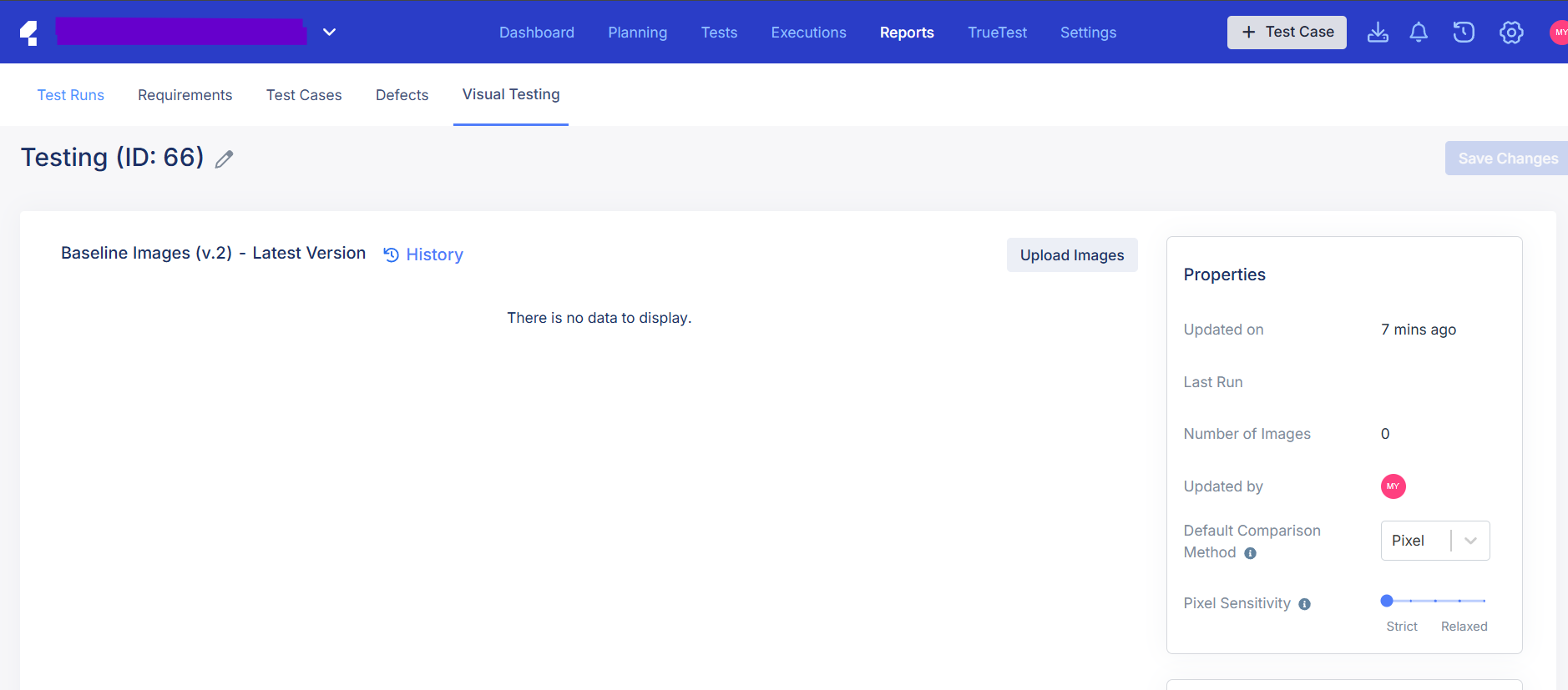
Hi Katalon Team/Community,
I’m trying to delete old/unused Visual Baseline Collections in Katalon TestOps**, but I can’t find the Delete button. Here’s what I’ve tried:
- Navigated to Visual Testing → Baseline Collections.
- Hovered over the baseline row → Only see ⋮ (More options), but no “Delete” option.
- Verified I have Admin/Collaborator permissions.
Questions:
- Is there a hidden way to delete baselines in TestOps?
- Are there restrictions (e.g., baselines linked to active tests)?
Any guidance or workarounds would be appreciated! Thanks!