It is known, “WebUI.click()” sometimes does not work well. Sophisticated JavaScript codes in a web page may disturb WebUI.* keywords. Try clicking the element using WebUI.executeJavaScript() instead.
See
It is known, “WebUI.click()” sometimes does not work well. Sophisticated JavaScript codes in a web page may disturb WebUI.* keywords. Try clicking the element using WebUI.executeJavaScript() instead.
See
It’s failing on WebUI.click(tObj). Attached .txt file with the error.
verifyElementPresent-error.txt (4.4 KB)
Have tried, it doesn’t retrieve any error but neither clicks ‘‘Choose File’’ button.
WebElement element
element = WebUiCommonHelper.findWebElement(findTestObject(‘CSM_Process_Incoming_Simona/Page_Migration - Migration - Oracle Applications/input_Config_Set_Choose File’),
30).WebUI.executeJavaScript(‘arguments[0].click()’, Arrays.asList(element))
In the error log I found
Caused by: org.openqa.selenium.InvalidArgumentException: invalid argument
...
This message is unusual. I have never seen it. And this message explains nothing reasonable. This message lets me think that there could be version mismatch amongst Chrome browser and Chrome driver.
Which version of Chrome Driver do you use?
Why not you try to upgrade Chrome Driver to the most up-to-date version?
Why not you try to run your test using Firefox? It may run successfully.
In the txt file you attached above, I found a fragment as such:
browserName: chrome, browserVersion: 80.0.3987.163, chrome: {chromedriverVersion: 80.0.3987.106
But you wrote you use ChromeDriver 81.0.4044.69.
Different versions? Why?
Sorry for the confusion, that was the older version and today after posting here on forum I have updated Google Chrome to Version 81.0.4044.92
Bring up the page in your browser.
Bring up the the console in DevTools.
Place this in the console - let me know (screenshot) what it does:
document.querySelector("_FOpt1\:_For1\:0\:_FOSritemNode_tools_migration_fnd1\:0\:_FOTsr1\:0\:r1\:0\:if1\:\:content").click()
This uses YOUR css selector. I notice it varied a bit (fnd1 became find1) so I hope you check it for errors/validity.
Let me ask you again, please verify if you are successful in finding the HTML element. Please do the following debug printing.
import static com.kms.katalon.core.testobject.ObjectRepository.findTestObject
import com.kms.katalon.core.model.FailureHandling as FailureHandling
import com.kms.katalon.core.webui.keyword.WebUiBuiltInKeywords as WebUI
...
TestObject tObj = findTestObject("the name of TestObject pointing ChooseFile input element")
...
def result = WebUI.verifyElementPresent(tObj, 5, FailureHandling.CONTINUE_ON_FAILURE)
if (result) {
    WebUI.comment("Element is successfully found: " + tObj.toString())
    WebUI.click(tObj)
} else {
    WebUI.comment("Element is NOT found present in 5 seconds: " + tObj.toString())
}
...
Pls share the output in the console.
Attached output from console ConsoleOutput.txt (15.2 KB)
Screenshot of XPath identified with DevTool
Could you try running the same test using Firefox browser?
Yes, it’s unable to start with Firefox. There are some Katalon forum topics related to “Cannot find firefox binary in PATH”, looking now into them.
Cannot find firefox binary in PATH.txt (8.6 KB)
document.querySelector("#_FOpt1\\:_For1\\:0\\:_FOSritemNode_tools_migration_fnd1\\:0\\:_FOTsr1\\:0\\:r1\\:0\\:if1\\:\\:content").click()
Try doubling the slashes. And don’t forget the “#” at the start (I did!)
In the ConsoleOutput.txt you attached, I found:
2020-04-15 11:01:30.580 DEBUG testcase.CSM_Process_Incoming_Simona     - 11: result = verifyElementPresent(tObj, 5, CONTINUE_ON_FAILURE)
2020-04-15 11:01:38.729 DEBUG testcase.CSM_Process_Incoming_Simona     - 12: if (result)
2020-04-15 11:01:38.730 DEBUG testcase.CSM_Process_Incoming_Simona     - 1: comment("Element is successfully found: " + tObj.toString())
2020-04-15 11:01:38.749 INFO  c.k.k.c.keyword.builtin.CommentKeyword   - Element is successfully found: TestObject - 'Object Repository/CSM_Process_Incoming_Simona/Page_Migration - Migration - Oracle Applications/input_Config_Set_Choose File'
2020-04-15 11:01:38.751 DEBUG testcase.CSM_Process_Incoming_Simona     - 2: click(tObj)
This proves that your XPath selector is correct. Your code successfully found the <input> element.
But when the script clicked the element, An Exception was raised with message “invalid argument”.
The MDN document about “Invalid Argument” is found at https://developer.mozilla.org/en-US/docs/Web/WebDriver/Errors/InvalidArgument
I do not see the reason why “Invalid Argument”.
Therefore I would like to see how the test goes with Firefox.
If your test runs successfully using Firefox, it proves that your test script is OK. There could be a hidden problem somewhere in Chrome + Chrome Driver.
If it fails using Firefox as well, in your target page (https://ehgw-dev1.login.us6.oraclecloud.com) may live a Monster that prevents you from enjoying E2E testing.
Anyway, let’s do experiments first.
Caused by: org.openqa.selenium.WebDriverException: Cannot find firefox binary in PATH. Make sure firefox is installed.
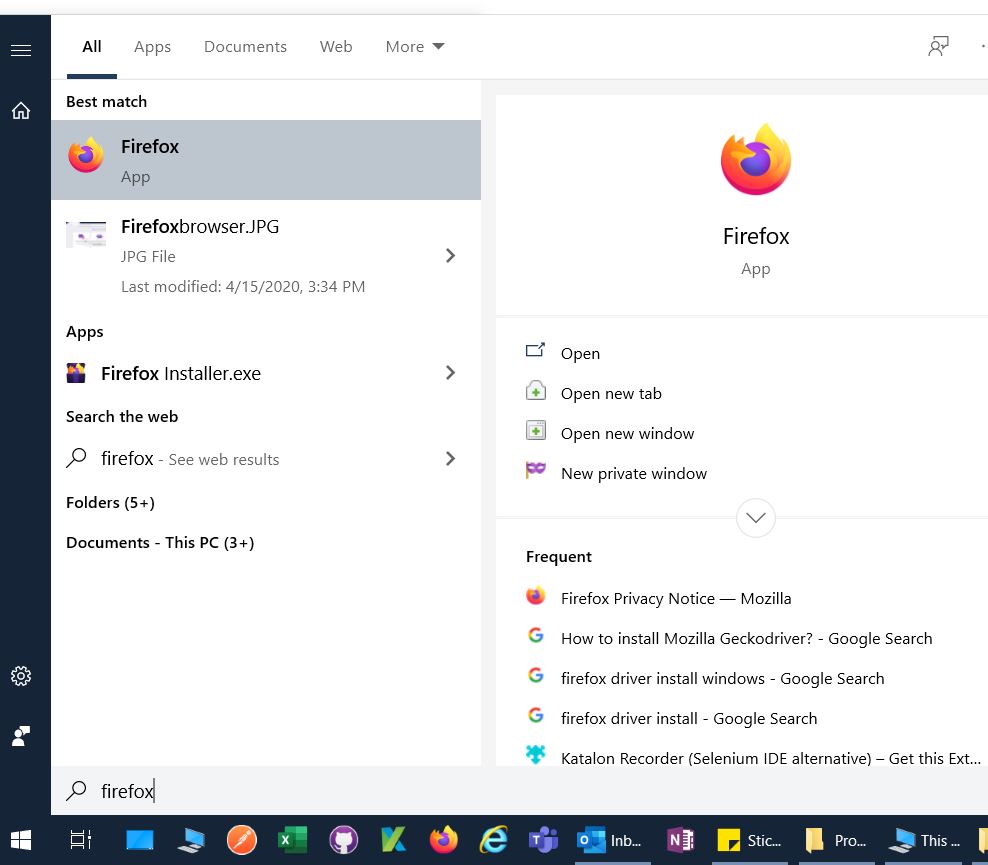
You haven’t installed Firefox browser into your Windows 10 PC. You can get the installer from here:
Where did you installed the firefox.exe? Could you copy & paste the path?